Official Progressive Web App (PWA)
Install Tymo Web App
Get instant 1-tap access to top beauty salons, barbershops and wellness centers from your home screen; lightweight, fast, and secure.
Official Online Booking Platform
Instant Confirmation & Reminders
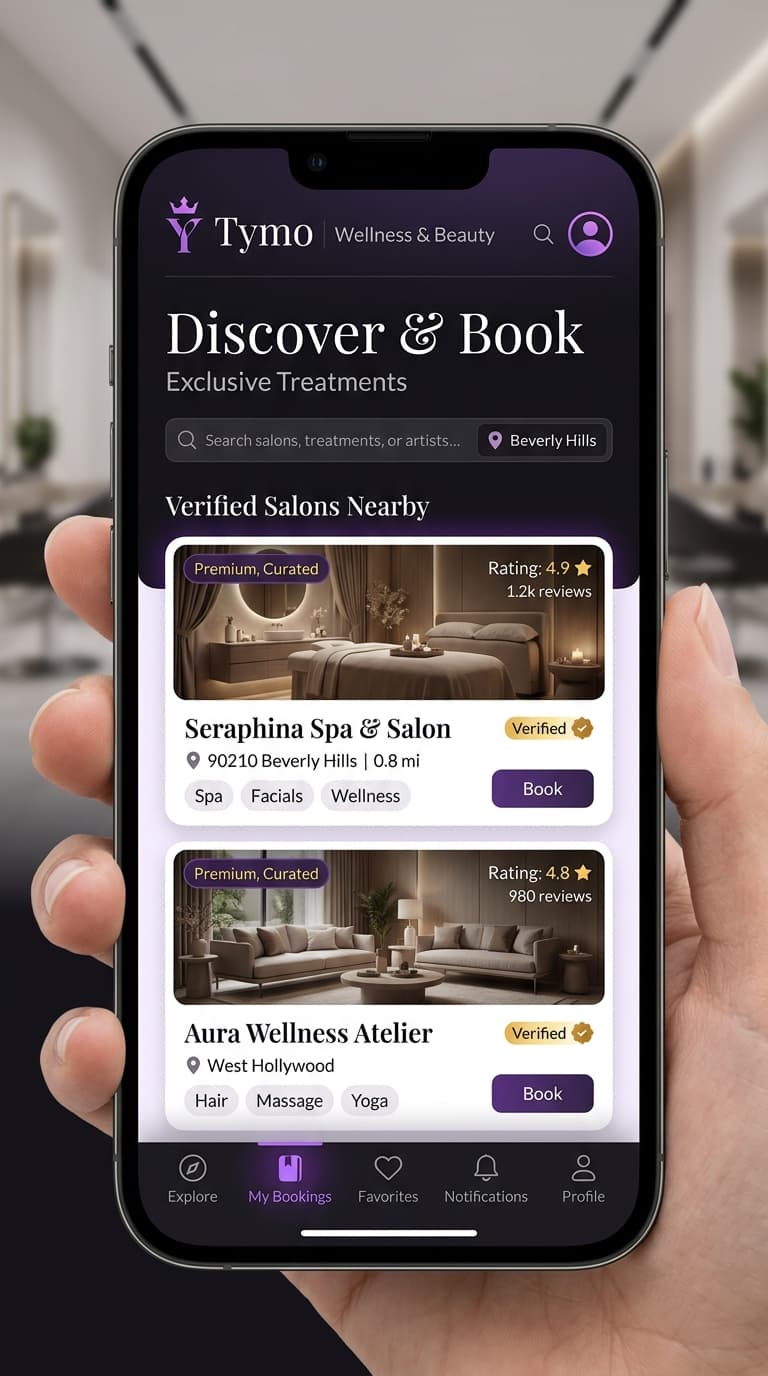
Tymo App Availability
The official PWA web app is live on all platforms. App store listings are coming soon.
Android Native App
Android Devices
Coming Soon
Google Play
Android Devices
Coming Soon
Apple App Store
iPhone & iPad (iOS)
Coming Soon
Progressive Web App (PWA)
Desktop & Laptop • Android Devices • iPhone & iPad (iOS)
Live & AvailableRecommended
Step-by-Step Web App (PWA) Installation Guide
Select your operating system to see how to install the web app on your home screen
1. Tap Install or Open Menu
Tap 'Install Web App' at the top of this page or tap the Chrome 3-dots menu.
Chrome or Samsung Internet
2. Select Install App
Select 'Install App' or 'Add to Home screen' from the menu.
Install App / Add to Home
3. Standalone Experience
Confirm to install. Tymo launches directly like an app on your device.
Fullscreen & App-like
Scan with Camera
Scan & Install Directly
Point your phone camera at the QR code below to open the install page.
Compatible with iPhone, Samsung, Xiaomi, and all smartphones

Why Add Tymo to Your Home Screen?
Key benefits and performance highlights for customers
Instant Load Speed
Advanced PWA caching opens salon profiles and appointments in under 1 second.
Direct 1-Tap Access
Open Tymo directly from your phone's home screen without typing URLs or opening browser tabs.
Ultra Lightweight
Under 2MB total storage; save your precious phone memory for your photos.
Seamless Auto Updates
No manual store downloads needed. New features and salon offers update automatically.
Smart SMS Reminders
Receive SMS and notifications ahead of your booked appointments.
High Security
All personal data and bookings are secured with strict end-to-end SSL encryption.
Help and Support
Frequently Asked Questions
Common questions regarding Tymo installation and compatibility
Yes, installing the web app and booking salon appointments on Tymo is 100% free for all customers.